See your next look before you sit in the salon chair.
Beautiva reads your face shape, suggests the styles that suit you, and shows hairstyles, makeup, hair colour, nail art and beards on your own photo. Love it? Book a salon or artist near you in the same app.
Try now, free in your browser →
Three steps to a look you’re sure about
Add a selfie
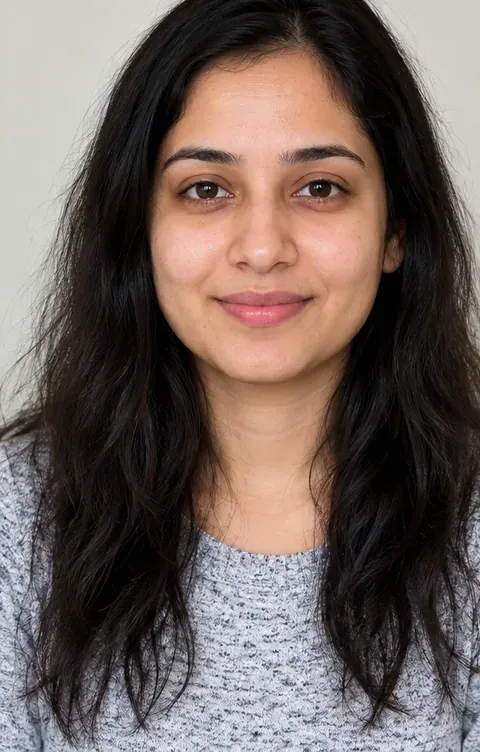
Take a photo or pick one from your gallery. A clear, front-facing photo in good light works best.
Get your face analysis
Beautiva reads your face shape, features and hair texture, then lines up the styles most likely to suit you.
Try it on, then book it
See the style on you from the front, side and back. Save the look and show it to a salon or artist you book in the app.
Hair, makeup, nails and grooming
Hundreds of styles for women and men, from everyday looks to bridal, sangeet and reception glam. New and trending styles are added all the time.
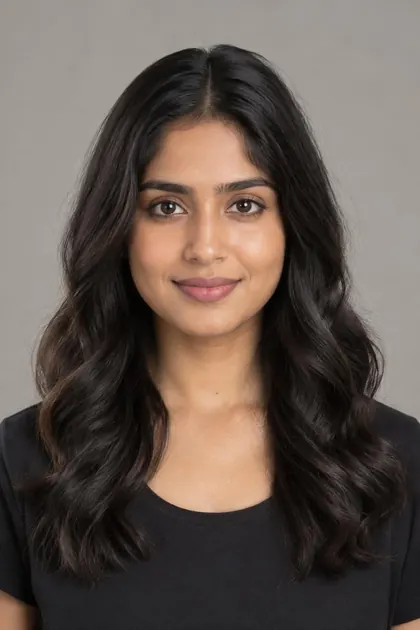 Hairstyles
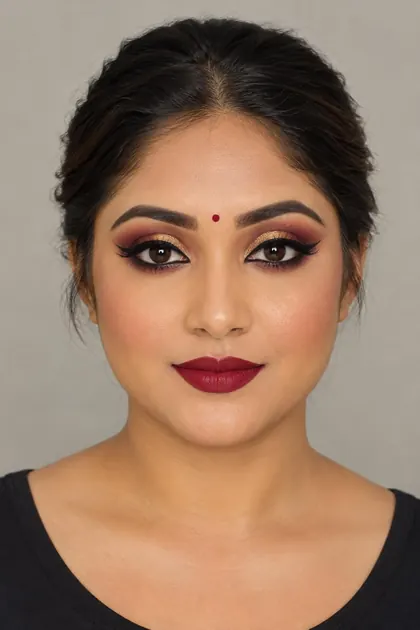 Makeup
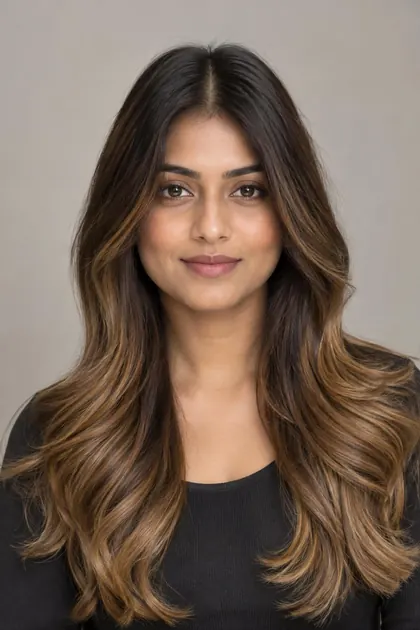 Hair colour
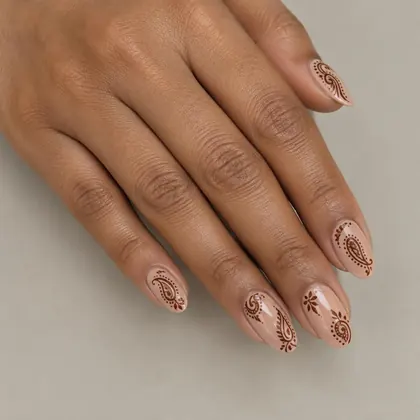 Nail art
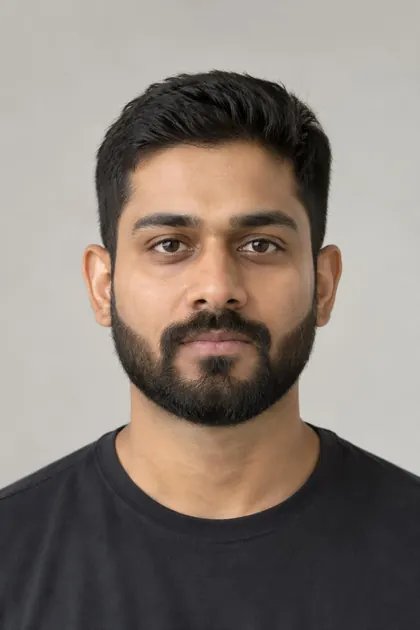 Beards
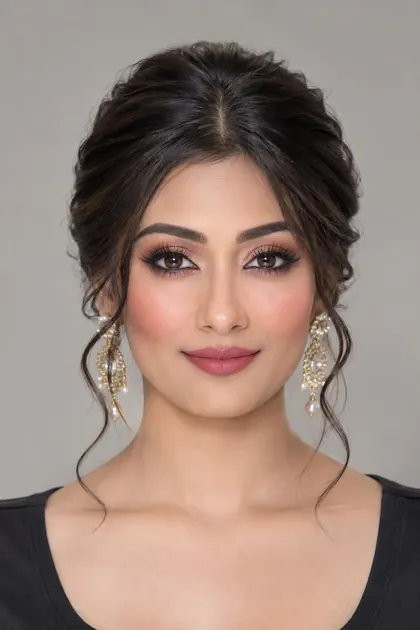 Complete looks
Not just the front. Every angle.
A haircut is lived in from every side. Beautiva shows your new style from the front, then turns it to the side and back so there are no surprises.
- Your face stays yours. Your features and skin tone are kept exactly as they are.
- Made for your hair. Cuts are adapted to straight, wavy, curly or coily hair.
- Save and share. Keep your looks on your phone and share them with friends or your stylist.
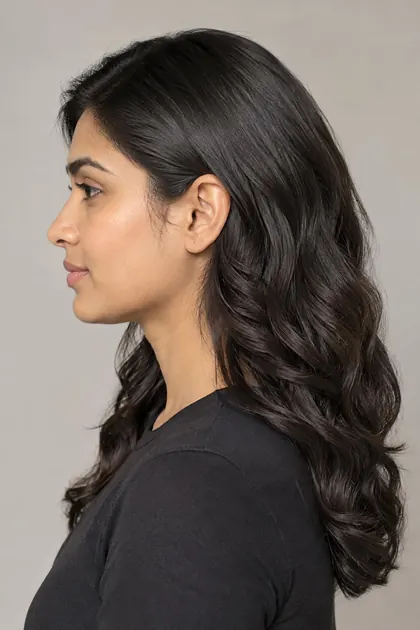
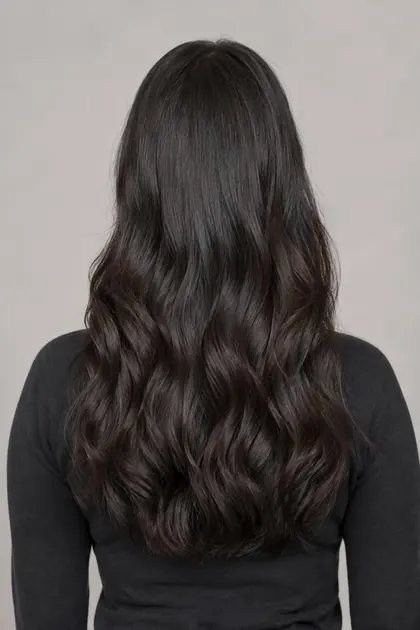
One photo. A whole new you.
Try a new cut, a soft balayage and a fresh makeup look together, and see how they work as one look before you spend a rupee at the salon.
- Mix and match a hairstyle, colour and makeup in one look.
- Search in your own words, like “short curly” or “evening makeup”.
- See what’s trending and what other people like most.

Styles chosen for your face
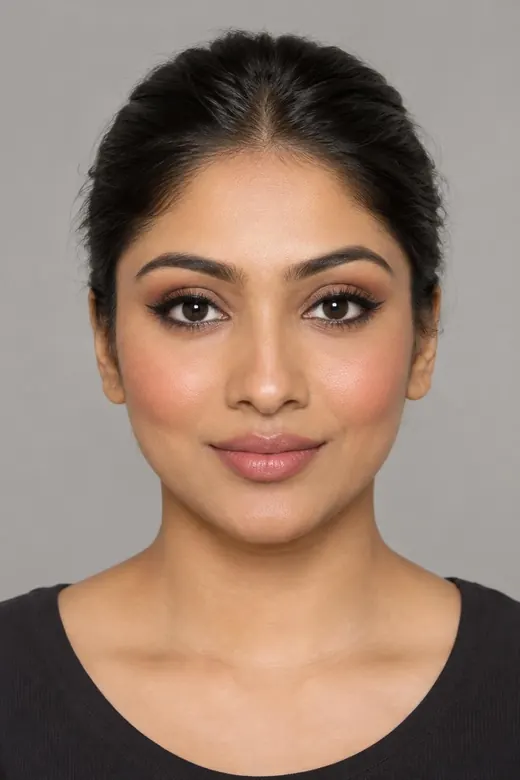
Not sure what suits you? Beautiva measures your face proportions and features, then puts the best matches first, with a short reason for each.
- Face shape and features: jawline, cheekbones, forehead, eyes, brows and lips.
- Hair texture and density, so suggestions work with the hair you have.
- Your taste counts. Tell it what you like, or change the result if you disagree.
Found your look? Book it.
Find salons and makeup, hair and nail artists in your city, read real reviews and send a booking request with your saved look attached.
Salons and artists near you
Browse by city, see photos, services and prices, and find artists close to you.
Book in a few taps
Pick a service, day and time. You get a notice when they confirm, plus reminders before you go.
Real reviews
Only customers who actually booked can rate a salon or artist.
Own a salon or work as an artist?
List your business for free, manage bookings and reply to reviews from the app.
Start free. Pay only for the looks you try.
Browsing styles, face analysis and booking are free. Each try-on uses one style credit, and so does each side or back view.
Welcome
3 style credits when you sign up, to try Beautiva on your own photo.
Starter pack
7 style credits. Use them whenever you like.
Value pack
30 style credits, the lowest price per look in a pack.
Monthly plan
40 style credits every month. Unused credits roll over. Cancel any time.
Prices shown in US dollars. The App Store and Google Play show the price in your local currency. If a try-on fails, the credit is given back.
Share Beautiva, get free looks
Send your invite code from the app. When a friend joins with it, you get 5 free looks and they get a bonus look on top of their welcome credits.
Your photos stay private
Photos are used only to make the looks you ask for. We never sell your data or use your face for ads.
You’re in control
See, change or delete your details, and delete your whole account from Profile at any time.
Easy sign-in
Sign in with an email code, Google or Apple, then unlock with your fingerprint or face.
Questions, answered
Is Beautiva free?
Yes, you can download Beautiva, browse every style, get your face analysis and book salons for free. You also get 3 free looks every month on the styles marked Free to try. For more, credit packs start at $0.99 for 7 looks.
How real do the try-ons look?
Beautiva uses AI to put the style on your own photo while keeping your face, features and skin tone. It is a preview to help you decide, so your stylist’s final result may differ a little.
What kind of photo works best?
A clear, front-facing selfie in good, even light, with your hair visible and nothing covering your face.
Is it only for women?
No. Men get haircuts, fades, beards, moustaches and hair colour, and you can choose to see styles for women, men or everyone.
What happens to my photos?
They are used only to make your looks and face analysis. You can delete them, or your whole account, from the app. Read the privacy policy for details.
I run a salon or work as an artist. How do I get listed?
Download the app, sign in and open My listing from your Profile to create your page. Our team reviews it before it goes live.
Your next look is one selfie away
Download Beautiva for iPhone or Android and get 3 free looks every month.
Try now, free in your browser →